🔍 Suspicious message?
Analyze senders, links or files in real time with our scanner.
From Field Spoofing
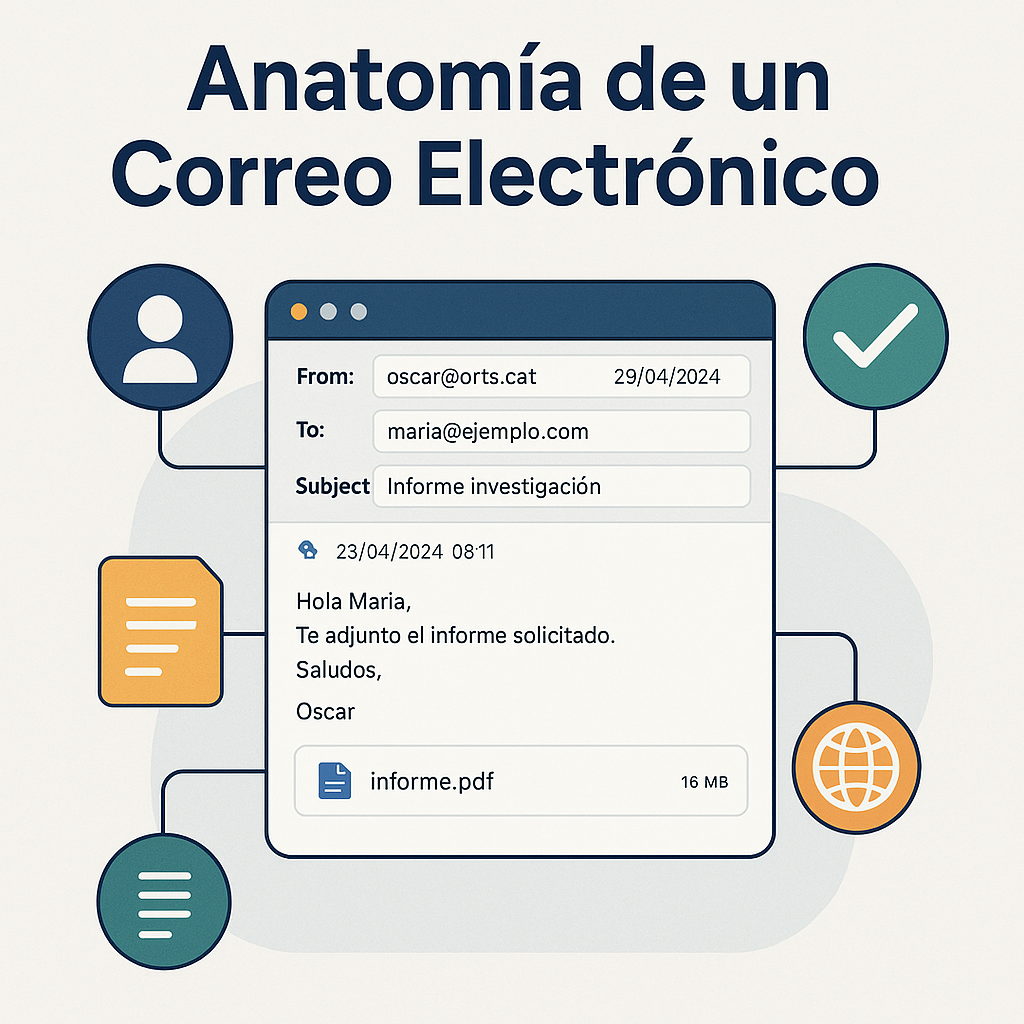
The From field is one of the most manipulated, as users often trust it without verifying other technical data.- It can display a friendly name that is different from the actual domain.
- Attackers use visually similar domains.
- The visible sender does not guarantee authenticity.
Reply-To Alteration
The Reply-To field can redirect replies to an address other than the visible sender, allowing attackers to receive information without raising suspicion.- This is common in billing fraud or executive impersonation (CEO fraud).
- It should match the legitimate sender.
- Any discrepancy is a reason for immediate analysis.
Visually Similar Domains
The use of look-alike domains is a classic phishing technique. Small variations can easily go unnoticed.- Swapping similar letters (rn → m, l → I).
- Using Unicode characters that mimic real letters.
- Domains with added prefixes or suffixes.
Manipulated Links
Links can display visible text that does not match the actual destination, making it easy to redirect the user to fraudulent sites.- The real destination must be verified without clicking.
- URL shorteners hide suspicious addresses.
- Links may include parameters to track the user.
Malicious Attachments
Attachments are one of the most dangerous vectors, as they can contain malware or manipulated documents.- The most dangerous formats include executables and macros.
- File names often mimic legitimate documents.
- Unexpected attachments should be treated with maximum caution.
Conclusion
Manipulable elements are the foundation of most email attacks. Detecting them requires combining technical header analysis with a critical review of the visible content. This article completes the series dedicated to email anatomy and the techniques necessary to evaluate its legitimacy. Cómo analizar un correo electrónico reenviado: guía forenseWhat happens to an email when we forward it? (And how not to lose the attacker's trail)