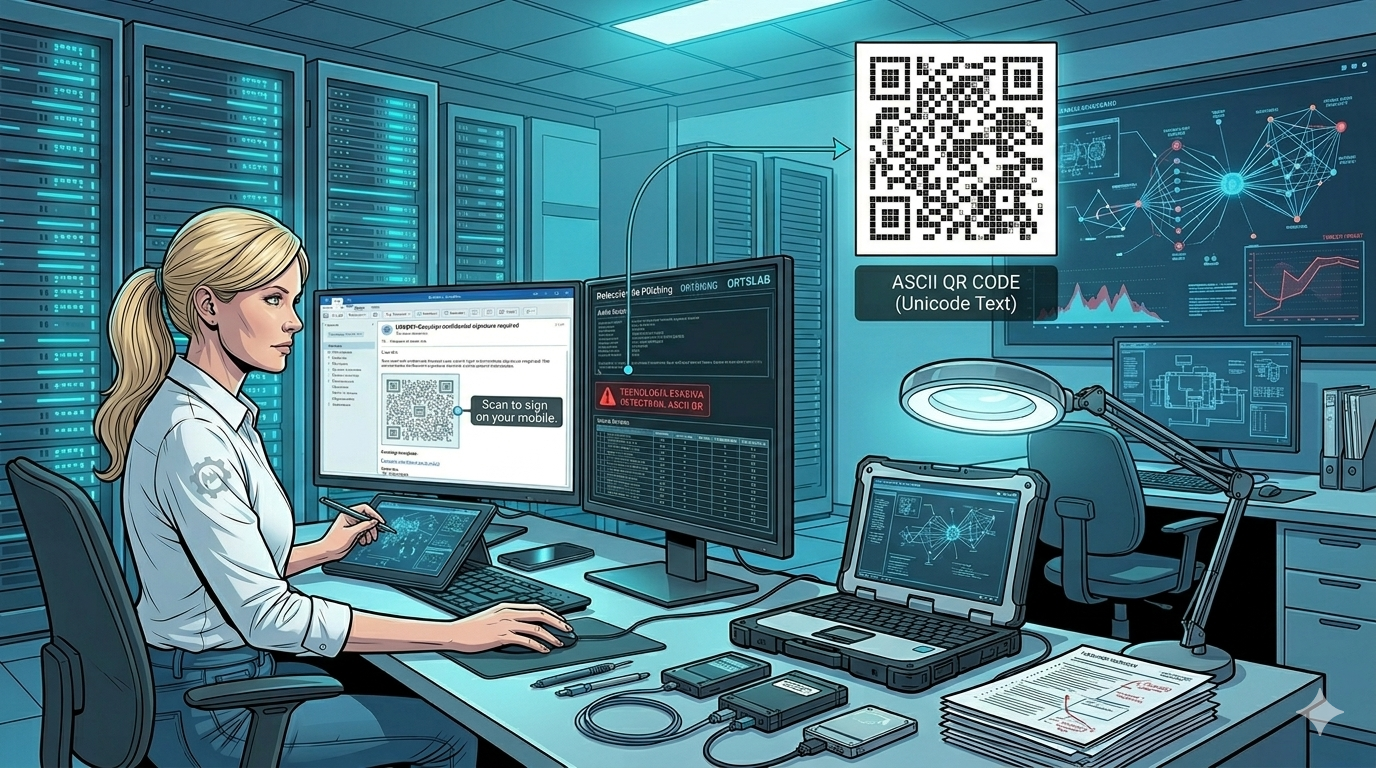
Modern email security filters know how to read QR codes embedded as images in messages. Attackers know this too. So they found a workaround: instead of inserting an image containing the QR code, they build it character by character using plain text. The result looks visually similar to a real QR code, but technically it is not an image — which makes it invisible to a significant portion of today's detection systems.
Kaspersky documented this technique on May 21, 2026, on their official blog, under the name ASCII QR phishing. It is active right now.
🔍 Suspicious message?
Analyze senders, links or files in real time with our scanner.
What is ASCII art and why is it back in 2026
ASCII art is a technique that builds images using text characters — letters, numbers, symbols — rather than pixels. Its name comes from the ASCII standard (American Standard Code for Information Interchange), adopted in 1963. Before computers could display graphics, it was the only way to represent images on screen.
In the 2000s it saw a first resurgence in the spam world: fraudsters used ASCII art to disguise keywords that mail filters would easily catch in plain text. Now it has returned, but with a different goal: this time it is not about hiding words, it is about building complete QR codes that image analysis filters cannot read.
How the attack works
The scheme detected by Kaspersky follows a classic corporate credential phishing pattern. The victim receives an email simulating a DocuSign notification — someone has sent them a confidential document that requires a signature. To access the document, the email asks them to scan the QR code included in the message.
That QR code is not an image. It is built from Unicode characters arranged in a grid that visually resembles a real QR code. When you look at the raw source of the email, instead of an image tag there are dozens of lines of text with special characters precisely arranged to form the modules of the code.
The result is that the malicious link is not inside any image a scanner can analyse, nor inside any hyperlink a URL filter can intercept. It is encoded within a text structure that only a mobile camera sensor can interpret — and by then, the email filter has already let it through.
Why security filters miss it
Email security systems work in layers. One of those layers specialises in detecting and reading QR codes embedded as images in messages, extracting the URL they contain, and checking whether it is malicious. But that layer looks for images — not structured text that visually resembles a QR code.
By building the code with Unicode characters, attackers bypass exactly that layer. The image scanner sees no QR code because there is no image. The link scanner sees no URL because there is no hyperlink. The email passes the filters and lands in the inbox.
As Kaspersky points out, there is a historical irony here: years ago phishers hid links inside images so that text filters could not see them. Now they hide QR codes inside text so that image filters cannot see them. The logic is the same, but the direction is reversed.
The clearest warning sign
Beyond the technique itself, there is a simple rule that applies here: no legitimate service will ever ask you to scan a QR code in an email in order to enter corporate credentials on your mobile device.
DocuSign, Microsoft, Google and any digital signature platform send a link to click directly from your computer. Asking you to scan a QR code to authenticate something on your phone is an immediate red flag, regardless of whether the code is built from images or from text.
And when that QR code has an unusual appearance — with visible gaps between lines, with characters that do not fit together perfectly — it is because it is built from ASCII art. At that point it is no longer just a warning sign: it is confirmation that you are looking at a phishing attempt.
What to do if you receive an email with an unusual QR code
Do not scan the code. Even if the sender appears legitimate and the context is convincing — a document awaiting signature, an urgent notification, an expiring access — a QR code is not the correct channel for accessing any corporate service.
If you are unsure whether the email is legitimate, you can analyse it in ORTSLAB before interacting with it. The engine detects risk indicators in seconds, without requiring registration and without storing the content of the message.
If the email comes from a service you genuinely use, access it directly from your browser by typing the official URL — never through a QR code received by email.
Forensic analysis: Oscar Orts · Forensic IT Expert · ORTSLAB.ES
Sources: Kaspersky Official Blog (May 2026) · BizCommunity · RaillyNews