🔍 Suspicious message?
Analyze senders, links or files in real time with our scanner.
What is Bluekit and Why is it Relevant?
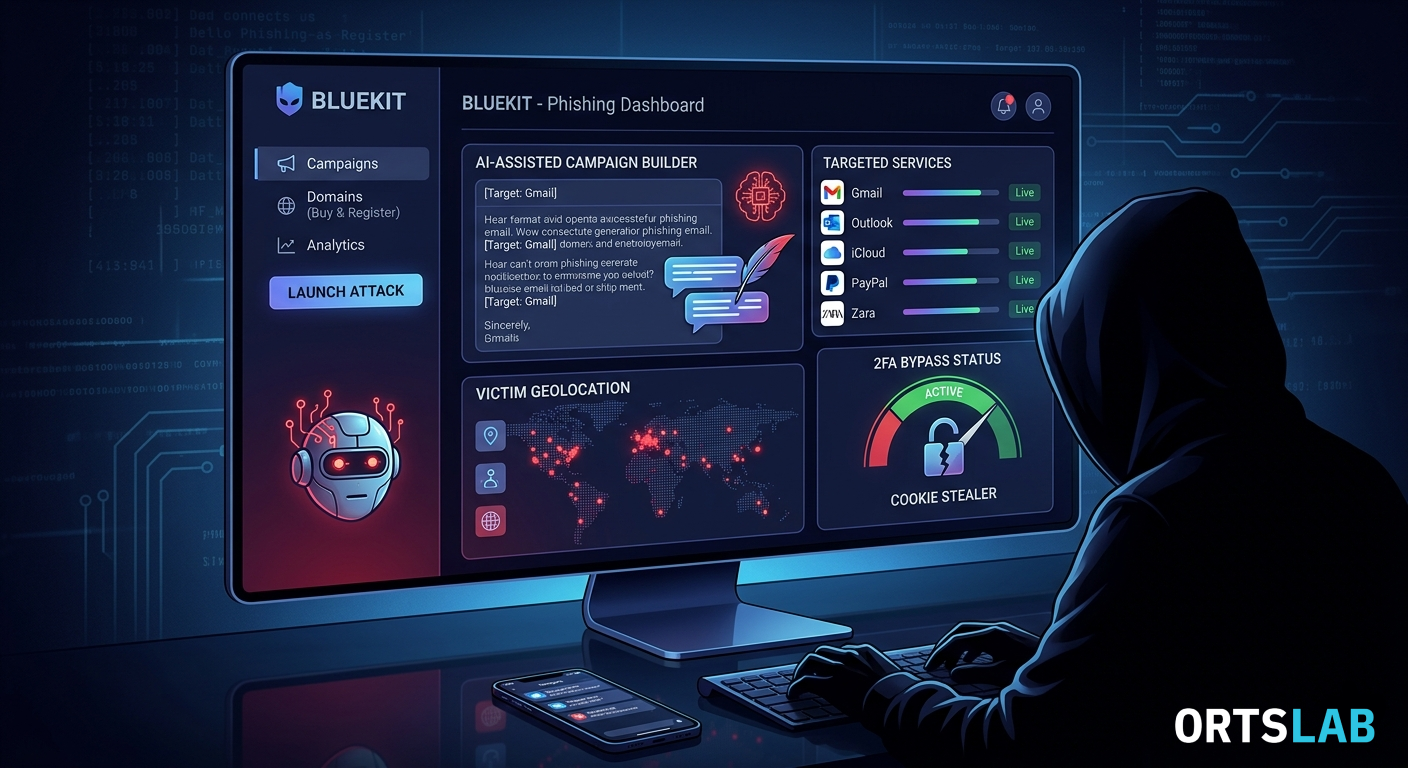
Bluekit is what is known as Phishing-as-a-Service (PhaaS): a subscription tool that any cybercriminal can hire to launch phishing campaigns without needing to know how to program. What makes Bluekit special is that it centralizes the entire process in a single control panel:
- More than 40 templates that perfectly mimic real websites: Gmail, Outlook, iCloud, Apple ID, GitHub, PayPal, Zara, Ledger, and many more.
- Automatic domain purchase and registration from the same panel — the scammer doesn't need to look for a fake domain elsewhere.
- Bypassing Multi-Factor Authentication (MFA/2FA) using a technique called Adversary-in-the-Middle (AiTM): when the victim enters their password on the fake page, Bluekit steals not only the password but also the session cookie — allowing the attacker to access the account even if 2FA is enabled.
- Real-time alerts via Telegram every time a victim enters their data.
- An anti-bot system to prevent security researchers from detecting the fake pages.
The AI That Helps Write Phishing Emails
The most concerning detail about Bluekit is its artificial intelligence assistant. The platform includes an AI panel that allows scammers to automatically generate phishing email drafts. What sets this system apart is that it does not use standard commercial models — it uses modified versions of open-source AI models from which security filters have been removed.
In other words: while ChatGPT or Claude would refuse to help draft a fraudulent email, the version Bluekit uses has no such restraint. The result is an assistant that generates the campaign structure — email subject, body text, fake link — with minimal effort from the attacker.
The Varonis researchers who analyzed the internal system note that, for now, the assistant generates skeletons with placeholders that must be filled in manually, but the platform is under active development and evolving rapidly.
Which Services Do These Fake Pages Imitate?
Detected templates include imitations of iCloud, Apple ID, Gmail, Outlook, Hotmail, Yahoo, ProtonMail, GitHub, Twitter, Zoho, Zara, and Ledger. The designs include real logos and are visually indistinguishable from the original pages.
How to Protect Yourself?
Most importantly: multi-factor authentication via SMS or apps is no longer enough against techniques like the one Bluekit uses. Expert recommendations suggest:
- Using physical access keys (FIDO2) such as hardware keys — these are resistant to this type of attack because they verify that you are on the real domain.
- Always checking the full URL before entering any data — not just the name, but the exact domain.
- Distrusting any email that asks to "verify your account," even if it looks perfectly legitimate.
- If you receive a suspicious email from Gmail, iCloud, Outlook, or any other service, analyze it before clicking.